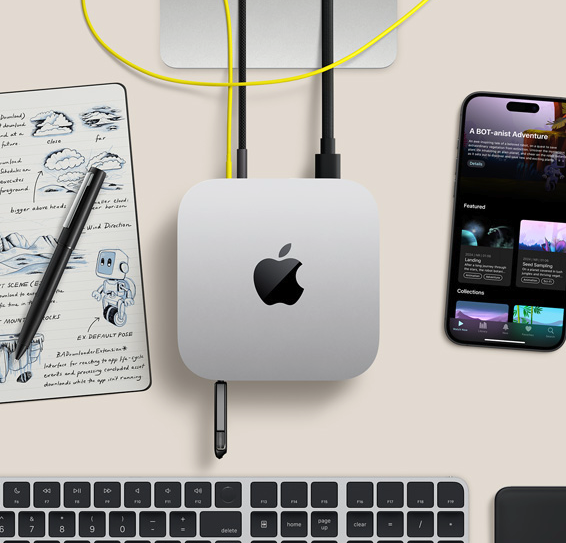
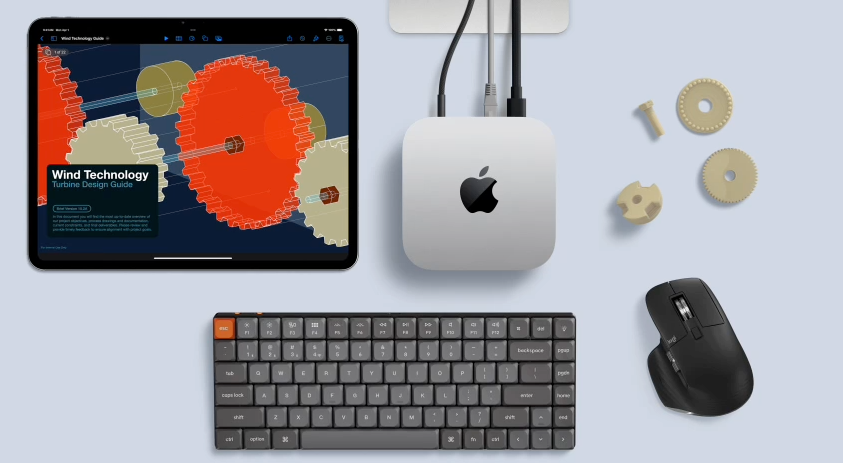
Full macOS, dedicated IPv4 and 1 Gbps.From ~$96.1/month(16GB · 256GB). Prices below are USD reference, usingmonthly price as baseto calculate other cycles.
Choose tier by workload, switch cycle to see price
Unified memory architecture makes compiles and simulators run in parallel more smoothly; switch cycle tabs to view prices for each tier.
One-time purchase, stops at expiry, no auto-renewalSubscription · Weekly · Auto-renews if not cancelledSubscription · Monthly · Auto-renews if not cancelledSubscription · Quarterly · Auto-renews if not cancelled
Everyday Dev
M4 · 16GB / 256GB
$96.1/ month
Apple M4 Bare-Metal Dedicated
16GB Unified Memory
256GB SSD
1 Gbps · Dedicated IPv4
Xcode single-project development · Best for daily trials. Suitable for scripting, lightweight compiles, and remote desktop testing.
Standard macOS environment supporting Xcode, simulators, Docker, and Homebrew; disk and Thunderbolt add-ons priced separately below.
Entire Mac mini dedicated
Bare-metal delivery, not time-shared VM; compute and isolation are predictable.
1 Gbps Dedicated
Dedicated egress bandwidth per instance; transfers, dependency pulls, and remote desktop don't compete.
dedicated IPv4
Standard plan includes a dedicated public IP; whitelists, callbacks, and fixed egress are easier to manage.
SSH · VNC
After activation, get credentials from the console; command line via SSH, GUI desktop via VNC.
Order without registering
After completing payment on the order page, log in with the same browser to merge the order into your account.
Activation & Technical Support
Activation progress, power operations, and technical support are all traceable.
Compare
Rent vs buy a Mac mini?
Buying a Mac mini starts at ~$799; Zilmac from ~$96.1per month, daily trials available, no large upfront cost.
Zilmac Rental
Cloud Mac mini M4
From ~$96.1/month, daily trials available
Bare-metal dedicated · Dedicated IPv4
Multi-region deployment · Scale with projects
Ideal for trials, CI, remote teams
Buy Hardware
Local Mac mini
One-time cost from ~$799
Network depends on local ISP
Liu Ke
Upgrades require replacing hardware
Billing
Four billing cycles for different rental rhythms
Short cycles for trials, long cycles for persistent builds or CI; switch the tab above to see prices for each tier.
daily
One-time purchase; ideal for verifying compile speed and network latency. Stops automatically at expiry – no charge for next cycle.
Weekly
Short projects or sprint iterations; weekly subscription, auto-renews if not cancelled before expiry.
Monthly
The most common persistent cycle; monthly subscription, suitable for long-term development and CI pipelines.
Quarterly
Long cycle, less hassle; quarterly subscription, unit price usually lower than paying monthly.
Extensions
Ready to use, expand on demand
Disk and Thunderbolt interconnect sync with the cycle tab above; check add-ons on thethe order pageorder page and submit with the host.
Disk +1TB
Expand for Xcode caches, Docker images, and asset libraries; suitable for larger archive projects.
+$10.7/ month
Disk +2TB
Larger storage tier for multi-repo dependency caches and video editing assets.
+$21.4/ month
Thunderbolt 5 Interconnect
High-speed multi-machine interconnect, suitable for multi-node CI collaboration and parallel builds.
+$5.7/ month
Selection Guide
16GB or 24GB? Choose by use case
Both tiers have the same network and delivery specs; main difference is memory and disk. When unsure, try a daily rental first.
16GB · 256GB
Productivity · Single-Project Dev
Single-repo Xcode build and archive
Memory usually sufficient when simulator concurrency is manageable
Try daily/weekly then switch to monthly
Reference from $96.1/ month
24GB · 512GB · Recommended
Coding & CI · Multi-task parallel
Multi-branch builds, IDE and simulators simultaneously
Fastlane packaging and dependency caches more smoothly
AI inference and heavy compiles better suited to this tier
Reference from $199.1/ month
Still can't decide?
Recommend trying a daily 16GB rental first to test compile time and VNC latency; if simulators or CI consistently max out memory, upgrade to 24GB or add disk. Multiple projects can use multiple instances for isolation – certs and environments don't interfere.